
Merchant Direct Integration
Orders moving beyond checkout.
An account-based delivery pathway for stores and businesses coordinating customer-order handoffs.

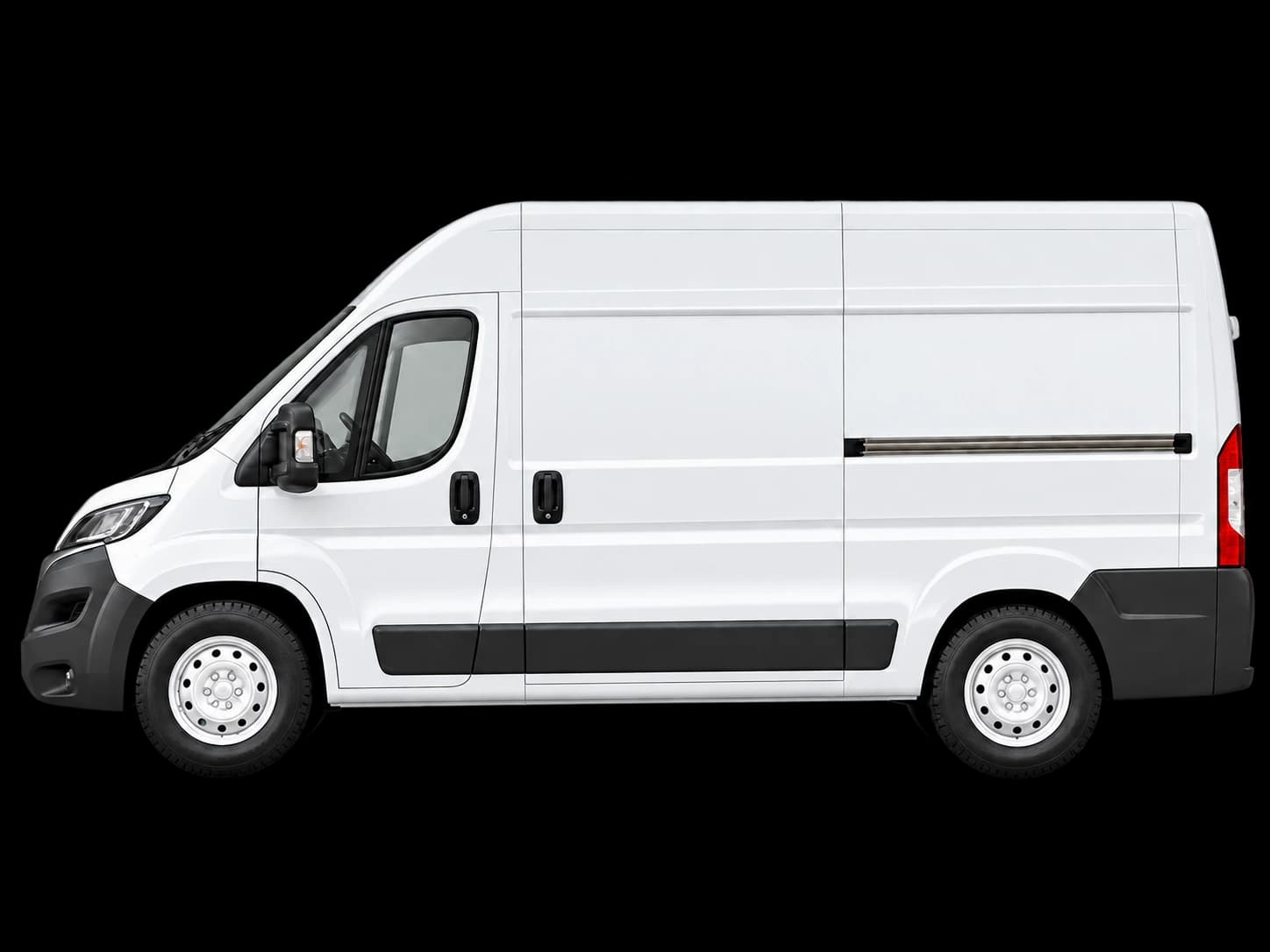
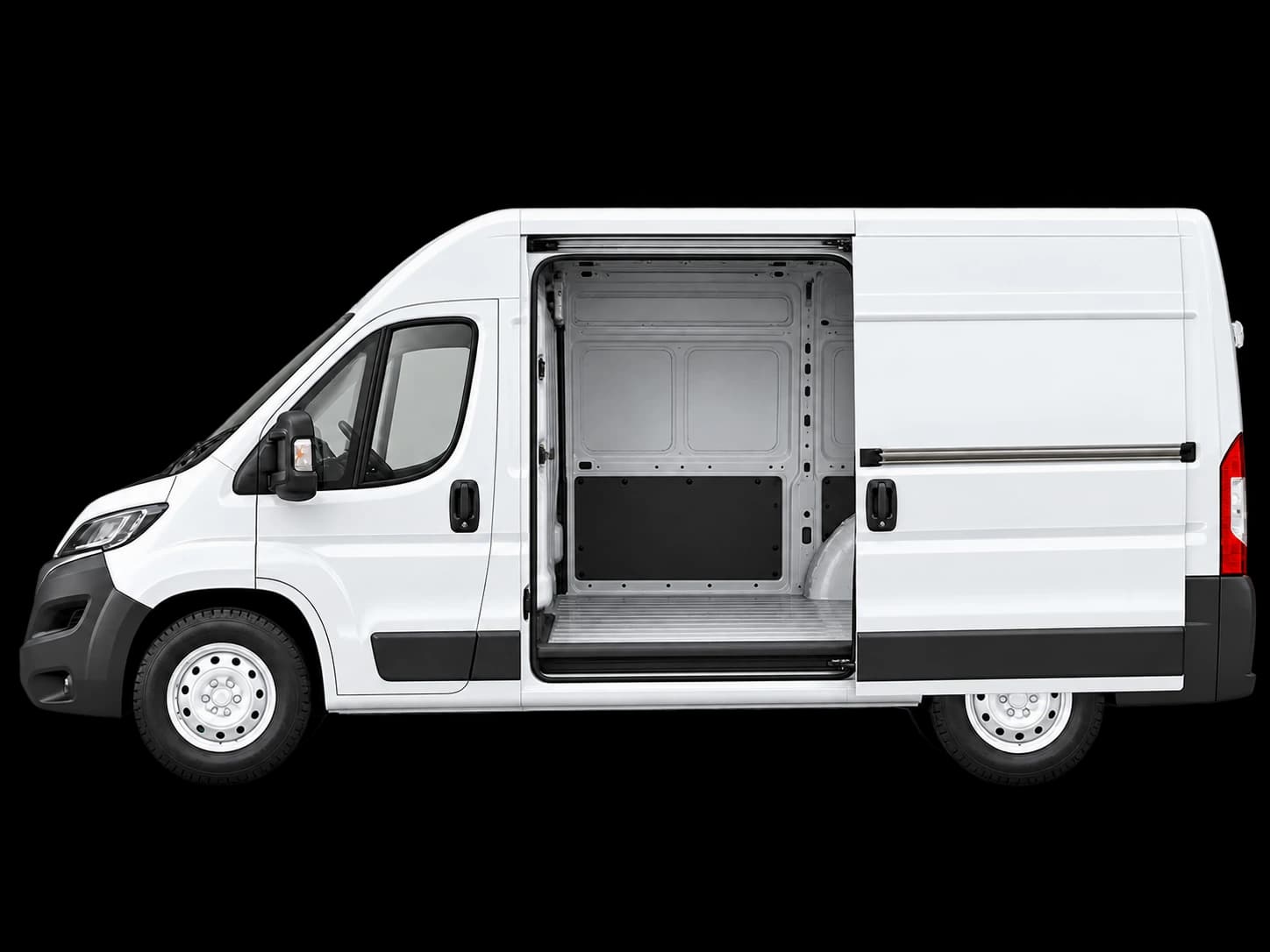
Dispatch Pipeline
Merchant → Packing → VanConnecting checkout to courier transit
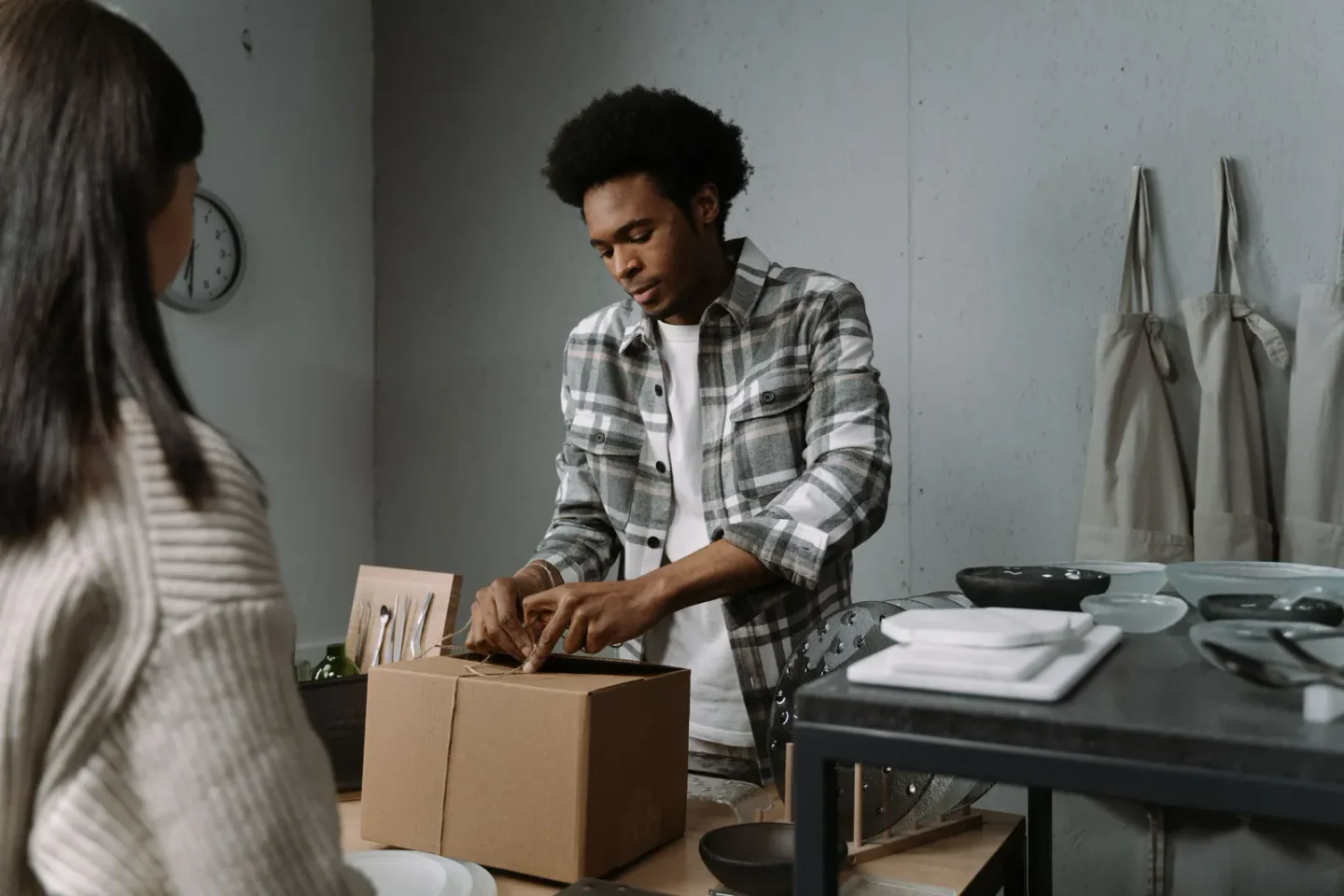

Stage 01 • Merchant Intake
Cart and checkout orders sync directly
When a customer completes purchase, order manifests immediately register with the local delivery network.
Store Types & Categories
- •Stores coordinating customer-order dropoffs.
- •Businesses preparing repeat delivery requests.
- •Teams that need account-based order-status visibility.
Merchant Preparation Guide
- •Pickup address and contact details.
- •Dropoff address and recipient contact details.
- •Delivery type, parcel count, and a clear description.
- •A scheduled date and practical notes when they are relevant.
Service questions & answers
Can a business manage repeat deliveries?
Stores and local businesses can create an account to manage repeat delivery requests, active orders, and delivery history.
How do I request a delivery?
Create a customer account, then enter pickup and dropoff details, a delivery type, parcel information, and any notes in the Request a Delivery form.
How is coverage confirmed?
KT Couriers operates in local service areas. Pickup and dropoff suitability is confirmed when the request is reviewed and can vary by delivery type.
Where do I view delivery updates?
Customers and stores can view order-status updates in their account dashboard. This is not anonymous live-driver tracking.